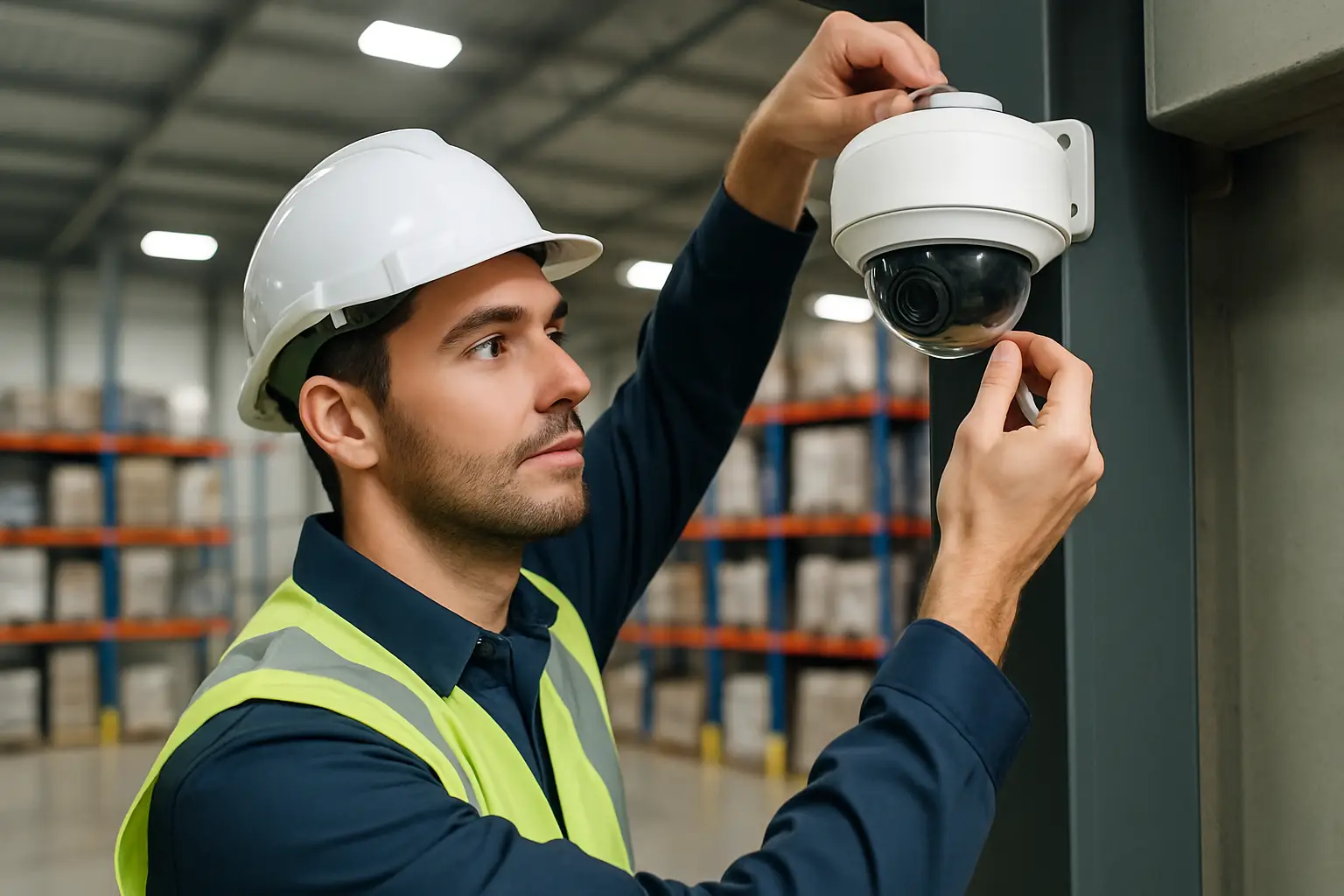
A warehouse doesn’t get hit in the obvious places.
The missing pallet shows up after a shift change. A forklift backs into a rack just outside the camera’s view. A side door gets propped open for “five minutes” and stays that way for an hour. Warehouses are big, busy, and full of blind spots - which is exactly why security camera installation for warehouse environments has to be planned around the work, not just the walls.
Below is how we approach a warehouse camera install so you end up with usable video, reliable coverage, and a system your team can actually pull up when something happens.
Start with the risks, not the camera count
Most warehouses don’t need “more cameras.” They need cameras aimed at the right decisions and high-liability moments.
If shrink is the problem, you want clean identification at shipping, receiving, and staging. If safety and incident documentation are the priority, you want clear views of intersections, dock plates, and pedestrian zones. If after-hours break-ins are the concern, you want perimeter coverage that holds up at night and doesn’t get defeated by glare.
This is also where trade-offs show up early. Covering every aisle with perfect face-level clarity can be done, but it may require more cameras, more lighting, and more cable runs than most operations want to budget for. A good plan balances what you want to see with what you realistically need to prove.
Map the building like the cameras will fail you
A warehouse layout looks simple until you install cameras and realize racks, roll-up doors, and equipment create constant occlusion.
Walk the site and mark the areas where visibility disappears:
Shipping and receiving lanes where trucks block angles
Aisles with tall racking that creates “tunnels”
Corners where people cut across to save time
Man doors that sit just outside the dock light spill
Then think vertically. Warehouses invite high mounting because it keeps cameras out of reach, but height also reduces face detail and increases the chance that a brimmed hat becomes a privacy curtain. In many cases, the best solution is a mix: higher overview cameras for coverage, and lower or tighter-view cameras at choke points for identification.
Camera placement that fits warehouse reality
Docks: coverage plus proof
Docks are where product, people, and claims collide. You typically want overlapping views: one that shows the full bay activity and another that captures the trailer opening and pallet movement clearly.
Angle matters more than you’d think. If a camera points directly into a bright exterior, you’ll get silhouettes when the door is open. A slight side angle, paired with a camera that handles wide dynamic range, usually produces more usable footage.
Shipping and receiving: read labels, not just bodies
If your goal includes confirming what left the building, 4K is often worth it - not because it’s “better,” but because it gives you more pixels to zoom into labels, pallet counts, and handoffs.
That said, 4K only helps if the camera is positioned with a realistic field of view. A single 4K camera thirty feet up trying to cover an entire staging area often becomes “good enough to see motion, not good enough to confirm details.” Sometimes two strategically placed cameras beat one higher-resolution camera.
Aisles: decide whether you need coverage or identification
Long aisles are tempting to cover with one camera at each end. That works for tracking movement and documenting forklift flow, but it rarely delivers face-level detail.
If internal theft is a concern, consider placing cameras where people must stop - time clocks, break areas, cage entrances, and the path to high-value storage. Those spots produce better identification than hoping an aisle shot catches someone’s face.
Exterior and perimeter: watch the approach, not just the fence
Perimeter cameras should show how someone got to the building, not just that they were near it. A camera aimed only at a fence line can miss the vehicle that dropped someone off or the direction they fled.
Also, plan for Sacramento summer sun and winter rain. Use weather-rated cameras, protect cable entry points, and avoid mounting locations where sprinklers or roof runoff will constantly hit the lens.
Choosing cameras: 4K, lenses, and low-light that performs
Warehouses aren’t “normal lighting.” You’ll have bright dock doors, dim aisles, and patches of shadow near racking.
4K cameras are a strong fit when you need to zoom in after the fact, but they demand more storage and more bandwidth on the recording side. If your priority is smooth motion and long retention, a well-placed 1080p or 2K camera at a tighter angle can outperform a poorly placed 4K camera.
Lens choice is just as important as resolution. Wide-angle lenses are great for overview, but they make subjects small. Narrower lenses help with identification at doors, cages, and transaction points.
For night coverage, don’t rely on marketing claims. Infrared helps, but it can wash out faces at close range and can reflect off dust, bugs, or rain. In many warehouses, adding or improving lighting near critical exterior doors does more for image quality than any spec upgrade.
NVR vs “cloud only”: reliability usually wins in warehouses
A warehouse security system has to keep recording even when the internet drops or WiFi struggles.
That’s why an NVR (network video recorder) setup is often the practical choice for commercial sites. The cameras record locally, you can size storage for your retention needs, and remote viewing still works when configured properly. Cloud storage can be useful, but relying on constant upstream bandwidth to push multiple high-resolution streams offsite can create gaps or force lower-quality recording.
It depends on your operations. If you have multiple sites or compliance requirements for offsite backup, a hybrid approach can make sense. But for most single-location warehouses, a solid NVR foundation is simpler and more dependable.
Cable, mounting, and “clean install” details that matter later
Warehouses are hard on equipment. Vibration, dust, and temperature swings can expose shortcuts fast.
Clean installation is not about looks for the sake of looks - it’s about protection and serviceability. Proper conduit or protected cable paths reduce damage from forklifts and lifts. Labeled runs make troubleshooting faster. Secure mounting prevents drift over time, which is a common reason cameras slowly end up aimed at the wrong thing.
Also plan for maintenance access. If a camera is mounted where you need a scissor lift every time you wipe a lens, it probably won’t get cleaned until after an incident. Sometimes mounting slightly lower in a protected spot produces better long-term results.
Network and remote access: make it work for non-technical teams
Remote viewing is only helpful if it’s consistent. Warehouses often have WiFi dead zones, metal racks that interfere with signal, and office networks that weren’t designed for multiple video streams.
Hardwiring cameras to the network is usually the right call. It’s stable, it supports higher bitrates, and it avoids the “camera offline” problem that shows up when access points get overloaded.
For remote access, the goal is simple: managers should be able to open an app, pick a camera group, and find the right time quickly. That means naming cameras clearly (for example, “Dock 3 - Trailer View,” not “Camera 11”) and setting up views that match how your team thinks about the building.
Storage and retention: set it based on real use
The right retention period depends on how quickly issues get reported. If you typically discover problems within a day or two, you may not need 60 days of footage. If inventory reconciliation happens weekly, you might.
More retention requires more storage and, often, more careful recording settings. Higher resolution, higher frame rates, and continuous recording all consume space. There’s no one perfect setting. The best approach is to set higher quality where details matter (shipping, receiving, entrances) and more modest settings where you mainly need movement history.
Compliance, privacy, and expectations for employees
Warehouses often have a mix of employees, contractors, and drivers. Clear camera placement and clear communication reduce tension and misunderstandings.
Avoid placing cameras in areas where people reasonably expect privacy. In most facilities, that means restrooms and changing areas are off-limits, and break rooms need careful consideration. If audio recording is being considered, treat it as a separate decision with legal implications. When in doubt, get guidance before enabling audio.
Getting an install you can trust
A good warehouse camera project is a design job first and an installation job second. You want someone to ask how the facility runs, when the doors are busiest, where claims originate, and what “good footage” means to you.
If you’re in the Sacramento area, StaySafe365 designs and installs warehouse surveillance systems with 4K camera options, reliable NVR recording, clean cabling, and ongoing support so your team is confident using the system after it’s installed.
The best compliment a warehouse camera system can get is quiet usefulness: when something goes wrong, you pull the footage in minutes, see what you need, and get back to running the floor.