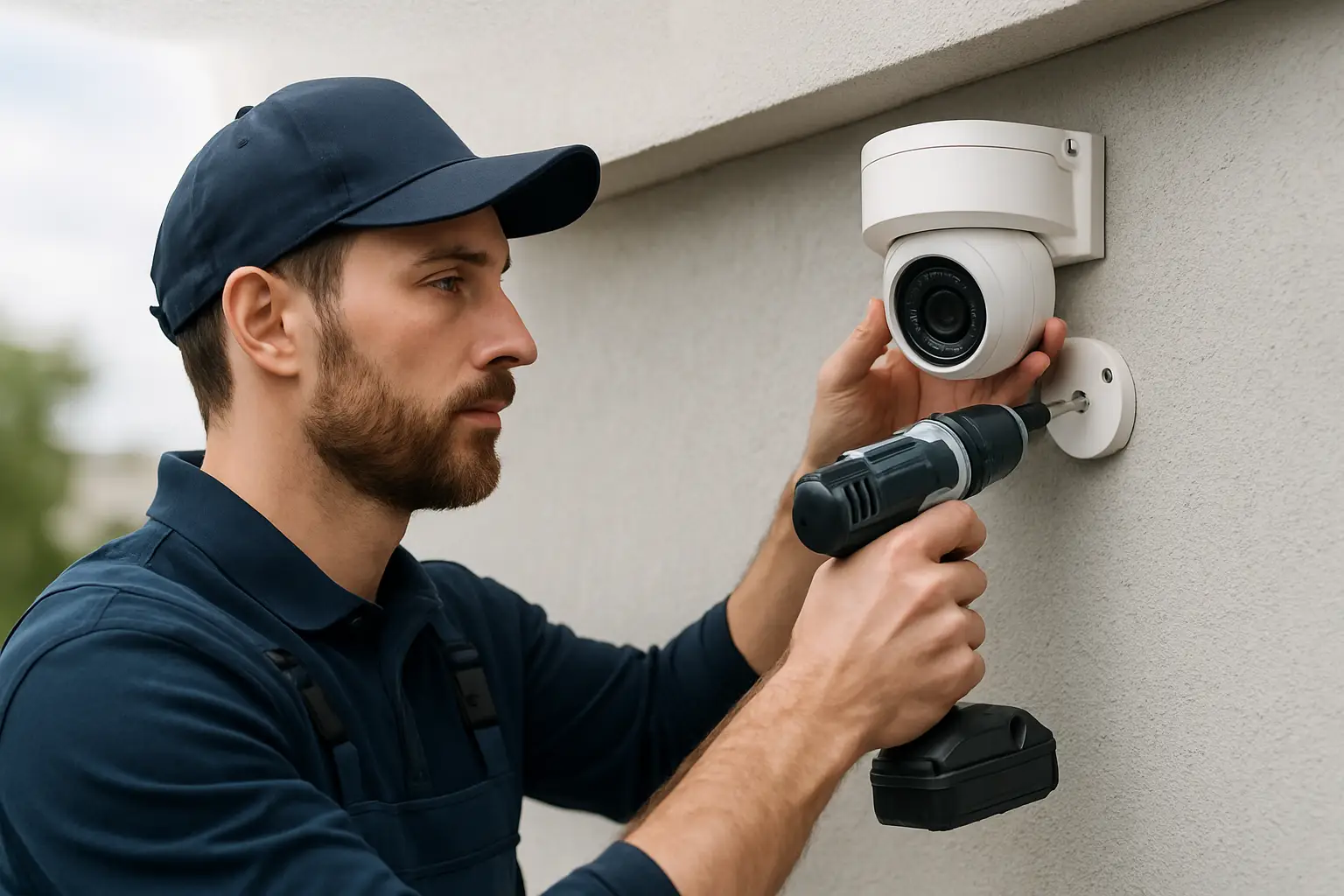
You can buy a box of cameras online in five minutes. What you cannot buy in five minutes is the feeling that every critical angle is covered, footage is usable when it matters, and the system is simple enough that you will actually use it.
That gap is exactly where a professional CCTV installation service either earns its keep or disappoints you. If you are a homeowner trying to stop package theft, a small business dealing with vandalism, or a property manager who needs consistent incident documentation, this professional CCTV installation service review is written to help you judge the service - not just the gear.
What “professional” really means in a CCTV install
A professional installation is not defined by how expensive the cameras are. It is defined by how the system is designed, installed, configured, and supported so it works reliably on your specific property.
At a minimum, a professional should start with your goals and constraints: where incidents happen, where faces and license plates need to be captured, what lighting looks like at night, where the network equipment can live, and how people will actually use the footage. A good installer will ask the slightly annoying questions up front because it prevents expensive changes later.
Professional also means the installer owns the outcome. If the app is confusing, if playback is hard, if motion alerts become noise, or if one camera is washed out by headlights, the response should not be, “That’s how the camera is.” It should be, “Let’s adjust it.”
The walkthrough and design: where most installs are won or lost
The walkthrough is not a formality. It is the part that separates “cameras on walls” from a real surveillance system.
Expect the installer to map your property and talk through coverage zones. For a home, that usually means front door, driveway, side yard gates, backyard access points, and any detached garage or shed. For a business, it often expands to customer entrances, employee entrances, register or point-of-sale areas (without violating privacy rules), loading docks, inventory rooms, and parking lots.
A solid design discussion includes trade-offs. Wider views cover more area but can reduce detail at distance. Tight views capture faces better but can leave gaps. Higher mounting reduces tampering but can hurt identification if you mount too high. There is no universal “best,” only what is best for your risk and layout.
The design phase is also where you should hear specifics about camera type and placement: fixed lens versus varifocal, dome versus turret, infrared performance, and whether additional lighting is needed. If the plan sounds like “we’ll just put one on each corner,” you are not getting a custom design - you are getting a template.
Installation quality: the details you will notice later
Clean installation is not about aesthetics alone. It is about reliability.
Cable routing matters because the most common failures come from physical issues: loose connections, exposed cable, water intrusion, and strain on connectors. A professional will minimize exposed wire, use proper pass-throughs, seal exterior penetrations, and avoid running cable where it will get pinched by doors or baked by direct sun. You should not see random coils of cable stuffed in an attic or zip-tied to gutters as an afterthought.
Mounting matters too. A camera that wiggles in the wind or points slightly off target will produce footage that is technically “recording” but practically useless. The installer should use appropriate anchors for stucco, brick, drywall, or soffits, and the final aim should be verified with a live view - not guessed from the ladder.
Power and networking should be planned, not improvised. Many modern systems use PoE (Power over Ethernet), which simplifies wiring and improves stability when done correctly. If your setup is Wi‑Fi-based, you need an honest conversation about signal strength, interference, and what happens when the network gets busy. Wi‑Fi can work well in the right conditions, but it is not a shortcut to professional results.
NVR setup and recording: where “it works” can still fail you
Most customers assume recording is automatic. It is, until it is not.
A professional installer should configure the NVR (network video recorder) based on what you actually need: resolution, frame rate, compression settings, and retention. Higher resolution and higher frame rates are great - until they reduce your storage days from 30 to 7 and you do not realize it until you need footage from two weeks ago.
You also want smart recording decisions. Continuous recording is often best for critical areas because it avoids missing the seconds before an event. Motion-based recording can be appropriate for low-traffic zones, but it must be tuned so it is not triggered by tree shadows all day or ignored because the sensitivity is set too low.
Ask how the installer verifies playback. You want to see recorded footage, not just a live feed. Confirm that the timestamp is correct, cameras are labeled clearly, and exporting a clip is straightforward. If exporting feels complicated during installation, it will be worse during an actual incident.
Remote access: convenience that must be set up carefully
Remote viewing is one of the biggest reasons people upgrade, and it is also one of the easiest areas to botch.
A good installer will set up your mobile app, confirm you can log in from cellular data (not just your home Wi‑Fi), and show you how to search and play back footage. They should help you set notifications to match your tolerance. If every car headlights trigger an alert, you will disable alerts entirely - which defeats the point.
Remote access should be paired with basic security hygiene: strong passwords, limited admin accounts, and clear ownership of credentials. You should know who has access and how to remove access later if an employee leaves or a vendor relationship ends.
Image quality in real conditions: day, night, glare, and distance
A professional CCTV installation service review has to talk about reality, not marketing screenshots.
During the day, the biggest issues tend to be angle and distance. If you want to identify a face at the front gate, the camera has to be placed for that purpose. A 4K camera can still fail if it is mounted too high and pointed too wide.
At night, you are dealing with low light, infrared reflection, and harsh contrast. Glass can cause infrared glare, so cameras behind windows are often disappointing after dark. Headlights can wash out plates if the camera is aimed poorly or the settings are left on default. A professional will adjust positioning and settings, and may recommend supplemental lighting in a problem area rather than pretending the camera can do everything.
It is reasonable to ask to see night examples on the final install. Not every job is finished after dark, but you should at least hear how night performance will be validated and adjusted if needed.
Transparency and pricing: what a trustworthy quote includes
A professional quote should feel specific to your property, not generic. You should see the number of cameras, camera models or tiers, the recording solution, storage capacity, and what is included for labor and configuration.
Watch for vague language like “includes setup” without defining what setup means. Does it include app configuration on multiple phones? Does it include motion zone tuning? Does it include labeling channels and showing you how to export footage?
It is also fair to ask about change scenarios. If you decide to add two more cameras later, can the NVR handle it? Is there spare capacity in the PoE switch? Will adding cameras reduce your retention time? Professionals think in systems, not single installs.
Support after installation: the part most people don’t plan for
The best camera system is the one you can operate confidently. That means training and follow-up matter.
At handoff, expect a short, practical walkthrough: how to view live cameras, search by time, export clips, and adjust basic notification settings. You should also get a simple explanation of what to do if you lose internet, if the app logs out, or if a camera goes offline.
Support is where many “installers” disappear. If your system stops recording, if a hard drive fails years later, or if you need to add a camera after a tenant change, you want a service provider who can pick up the phone and help you make smart next steps.
For Sacramento-area homes and businesses that want a custom-designed system, clean wiring, 4K-capable options, and ongoing help learning the system, StaySafe365 is built around that service-first approach.
Questions that reveal whether a service is truly professional
You do not need to speak in technical jargon to evaluate an installer. You just need to ask questions that force a clear, practical answer.
Ask how they decide camera placement and what they are optimizing for in each location. Ask how many days of recording you will get with your chosen settings. Ask whether key areas will record continuously or on motion. Ask how they handle night performance and glare. Ask what happens if you add cameras later, and who supports you if you cannot find footage six months from now.
Pay attention to the tone of the answers. A professional is comfortable explaining trade-offs in plain language. If you feel rushed, talked down to, or pushed into the same package everyone gets, that is a signal.
The bottom line: judge the service, not the sticker specs
The goal is not to own cameras. The goal is to reduce risk and stress, and to have clear video when something happens.
If you are comparing options, focus your “review” mindset on design, installation quality, recording and retention planning, remote access setup, and support. Specs matter, but service is what turns specs into a system you can trust.
A helpful way to think about it is this: when you are tired, busy, or dealing with a real incident, the system should feel calm and obvious to use. If a service provider builds it that way, you will feel the difference every time you open the app.