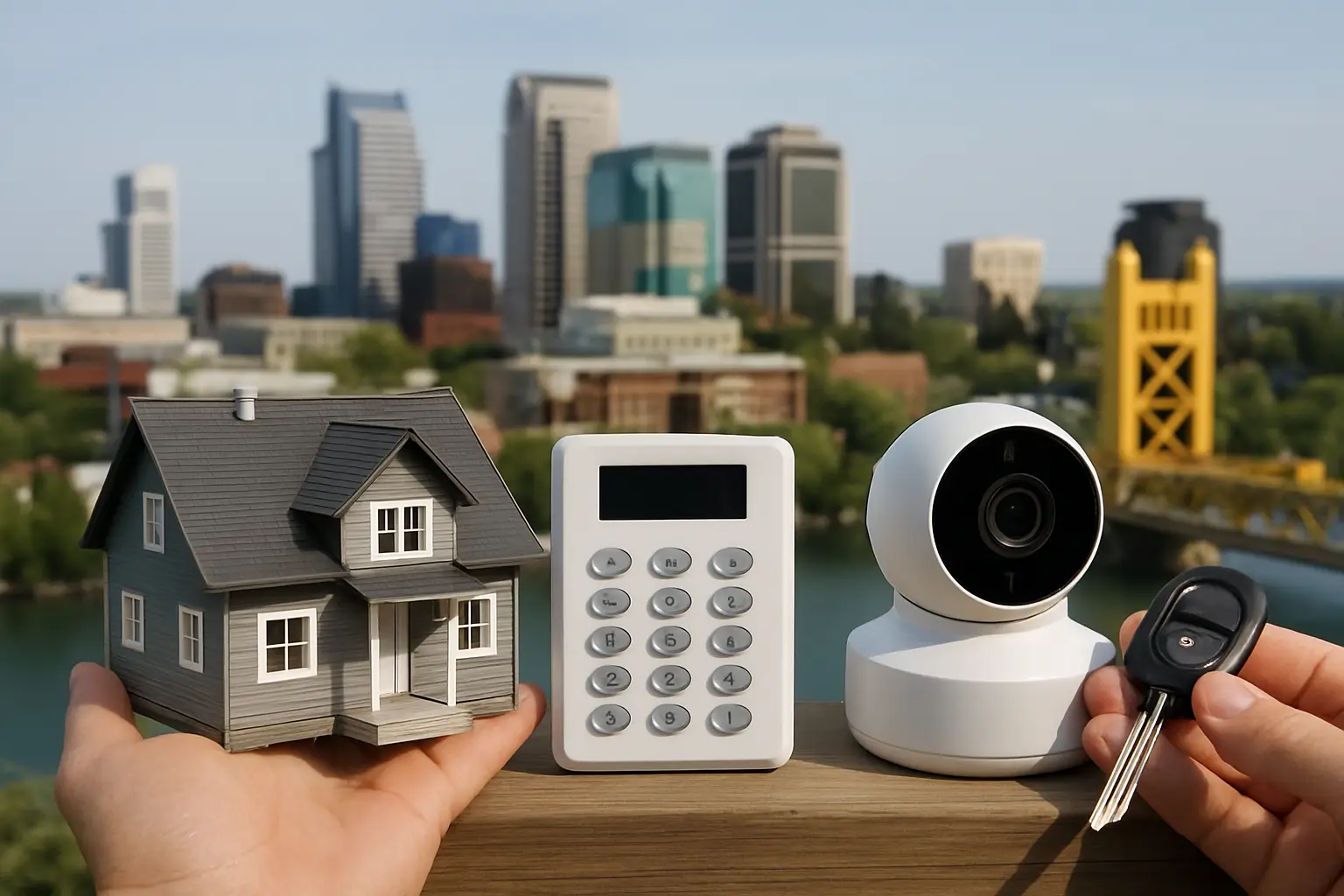
If you manage a property in Sacramento long enough, you start noticing patterns. Package theft spikes around the holidays, parking lot issues show up after dark, and side gates are the weak spot on a lot of homes. The hard part is not deciding that you want security. The hard part is choosing the right kind - without paying for features you will never use or, worse, missing the one piece that would have prevented the problem.
This local security solutions comparison Sacramento property owners actually need is not about which brand has the flashiest ad. It is about matching the solution to the site: your layout, your risk, your operating hours, and how much time you have to manage the system.
What you are really buying when you “buy security”
Most people start by shopping products. A better way to start is to name the outcome.
Do you want evidence after something happens, like clear faces and license plates? Do you want deterrence, like visible cameras and lighting that makes someone choose the next property instead? Do you need real-time response, where an alarm triggers a call and potentially dispatch? Or are you trying to solve a management problem, like verifying deliveries, monitoring a back door, or reducing after-hours loitering?
Those outcomes point to different solutions. Cameras are best for visibility and documentation. Alarms are best for intrusion alerts. Access control is best for managing who can enter and when. Lighting and environmental design reduce opportunity. And professional installation is often the difference between a system that looks good on paper and one that is reliable at 2:00 a.m. when you are not there.
Local security solutions comparison Sacramento: the main categories
1) Video surveillance systems (cameras + recorder)
For most Sacramento homes and small businesses, cameras are the foundation because they address the most common problems: theft, vandalism, and disputes about what happened.
A true surveillance system usually means multiple fixed cameras placed for coverage, plus an NVR (network video recorder) that stores footage on-site. Compared to single “plug-in” cameras, an NVR system is typically more stable, records continuously, and keeps working even when your internet is down (remote viewing will pause, but recording can continue).
Trade-off: Surveillance is only as good as the placement. A camera that is too high, aimed into a light source, or pointed at the wrong angle will give you motion clips with no usable details. Also, cameras do not stop a break-in by themselves. They deter some people and document the rest.
2) Monitored burglar alarms
Alarms are built around speed. A sensor is tripped, a siren sounds, and a monitoring center can contact you and dispatch help based on your plan.
For businesses with valuable inventory or properties that sit empty overnight, monitored alarms can be a smart layer because they create immediate pressure on an intruder to leave. They also offer a predictable monthly cost, which some owners prefer over investing upfront in higher-end equipment.
Trade-off: Alarms can generate false alarms if they are poorly installed or the system is not used consistently. If the response depends on you answering a call while you are asleep or in a meeting, the “monitoring” benefit can feel smaller than expected. Alarms also do not tell you what happened unless they are paired with cameras.
3) Access control (keypads, fobs, door hardware)
Access control is a strong fit for offices, small warehouses, and multi-tenant buildings where keys create headaches. It lets you add or remove users without collecting keys, set schedules, and track entries.
Trade-off: Access control is less about street crime and more about operational control. If your main concern is car break-ins or vandalism in a lot, access control will not solve that by itself. Also, doors and frames matter. A weak door with fancy electronics is still a weak door.
4) Security lighting and deterrence layers
Lighting, signage, and visible camera placement are underrated because they prevent problems without requiring you to review footage later. Motion-activated lights in side yards, well-lit entrances, and clean sightlines can reduce opportunity.
Trade-off: Deterrence is not evidence. If something happens, you still want clear video coverage, and lighting needs to be chosen carefully so it does not create glare or washed-out images.
DIY cameras vs professional systems: the real differences
DIY cameras can be a good entry point if you have a small space, strong Wi‑Fi, and you are comfortable troubleshooting. They are popular for a reason. They can be quick to set up, and app notifications feel reassuring.
But Sacramento properties often introduce complications: detached garages, long driveways, metal siding that interferes with Wi‑Fi, and alley-facing fences that need coverage. The moment you have distance, walls, or multiple cameras, reliability becomes the deciding factor.
Professional systems generally win in four areas.
First, stable recording. An NVR with hard drives does not depend on a subscription plan to store your footage, and it is designed to record continuously.
Second, clean coverage. The value is in getting the angle right at the porch, side gate, cash register, loading area, or parking stalls. That is where design matters more than camera count.
Third, better image quality under real conditions. 4K cameras help, but only if they are positioned to capture useful detail and supported by the right lenses and lighting.
Fourth, support. If you are running a business, you do not want a “camera project.” You want a system that works, and someone who can answer when you have a question about playback, exports, or remote access.
Comparing local providers: what to ask before you sign
Sacramento has no shortage of options: national alarm companies, low-voltage contractors, general handymen who “also do cameras,” and dedicated security installers. The best fit depends on what you value, but there are a few questions that quickly separate a solid provider from a risky one.
Ask how they design coverage. A good provider will talk about your property layout, the direction of travel, and where identification matters. If the proposal is basically “eight cameras because eight cameras,” you are buying equipment, not a plan.
Ask where footage is stored and for how long. On-site recording, cloud recording, and hybrids all exist. On-site NVR storage is common for professional installations. Cloud storage can be convenient, but ongoing fees and bandwidth limits matter. Retention is not just a number - it depends on camera count, resolution, and whether you record continuously or only on motion.
Ask what “remote access” really means. Most systems offer mobile viewing, but setup quality matters. You want stable, secure access that does not require constant reconfiguration every time a router changes.
Ask about warranty and support. Many issues are not hardware failures. They are settings, networking changes, or simple “how do I pull a clip?” questions. A provider that offers real handoff and ongoing help is often worth more than a slightly lower quote.
Ask about installation quality. Clean cable runs, weatherproofing, proper mounting, and correct sealing are not cosmetic. They affect reliability. If you are a business, also ask how they schedule work to avoid downtime.
Home vs business needs in Sacramento: where it depends
Homeowners tend to need strong front-yard coverage, a clear view of the porch, and at least one camera for side access. The goal is usually deterrence plus evidence for theft or vandalism. Simple remote viewing and easy playback matter because you will use the system occasionally, not daily.
Small businesses and property managers often need coverage that reduces liability: entrances, POS areas, stock rooms, loading zones, and parking lots. They also need a setup that multiple people can use responsibly without everyone sharing one login. Retention time is typically more important, because issues are sometimes discovered days later.
It also depends on your environment. A Midtown storefront with foot traffic has different needs than a commercial lot off a highway, and a Natomas home with a long driveway differs from a tight infill lot in East Sac. The best systems are designed for those realities, not copied from a generic package.
What a “good” camera system looks like in practice
A practical, well-designed system has a few consistent traits.
It prioritizes identification at the points that matter - not just wide views of the yard. That usually means a dedicated angle at the front approach, another at the side gate, and coverage that captures faces at a natural height and distance.
It balances resolution with storage. 4K is excellent for detail, but it increases storage needs. The right solution is the one that gives you the clarity you need while keeping enough retention time to be useful.
It plans for nighttime. Night performance is where many systems disappoint. Good placement, controlled lighting, and correct settings help avoid blown-out headlights, reflections, and dark corners.
It is easy to use. If exporting a clip feels like a chore, it will not get used when it matters. A quality install includes showing you playback, exports, and how to adjust basic settings.
For Sacramento owners who want an NVR-based 4K setup designed around the property rather than a one-size bundle, StaySafe365 is built around clean installs, straightforward guidance, and support that does not disappear after the cameras go up.
How to choose your best-fit option without overbuying
Start with a quick risk walkthrough. Stand where a person would stand to cause the problem you are worried about: at the porch, by the side gate, near the dumpsters, at the back door. If you cannot see that spot clearly from where a camera could realistically mount, you need a different angle, not a higher resolution.
Then decide what you want from the system week to week. If you mainly want to check a door after hours, remote access and dependable alerts matter. If you need evidence for incidents, continuous recording and retention matter more.
Finally, be honest about who will manage it. DIY is fine if you like tinkering and can troubleshoot Wi‑Fi. If you want it handled once and supported later, professional design and installation will save time and frustration.
Security gets easier when you stop shopping for “the best camera” and start building a plan that fits your property and your routines. The right choice is the one you will actually use - confidently - the first time you need answers fast.