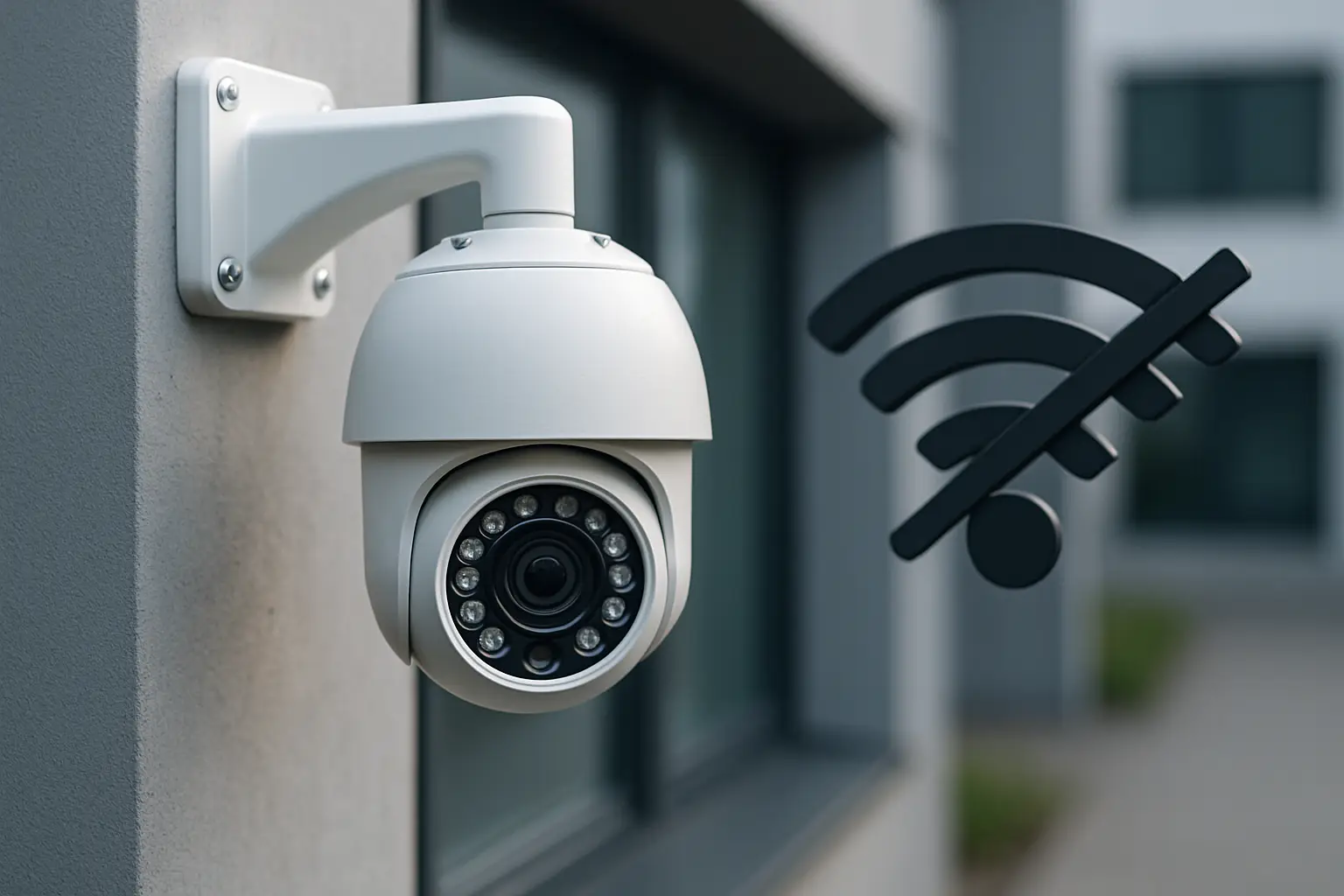
You only notice how dependent your security system is on the internet when the Wi-Fi drops - and you still want proof of what happened.
If you’re wondering, can security cameras record without internet, the practical answer is yes, many can. The better question is: what kind of camera system do you have, where does it store video, and what do you expect to work when the connection goes down? Recording and remote viewing are two different things, and the difference matters.
Can security cameras record without internet?
Yes - security cameras can record without internet as long as they have a place to store footage locally. That local storage is usually one of three options: an NVR (Network Video Recorder), a DVR (Digital Video Recorder), or an SD card inside the camera.
Where people get tripped up is that many cameras are marketed around smartphone access. Those app features rely on the internet, but the recording often does not. A properly designed system will keep recording on-site even if your router reboots, your ISP has an outage, or someone cuts the line.
The key is separating three functions: the camera capturing video, the system saving video, and you accessing that video from somewhere else.
Offline recording vs remote access: what still works
When the internet is down, local recording can keep running in the background. What usually stops is anything that requires reaching your home or business from the outside.
Local recording typically still works if:
- Your cameras connect to a recorder over Ethernet (PoE) or a local network.
- Your recorder has power and its hard drive is healthy.
- Your system is configured to record continuously or on motion.
Remote features usually do not work without internet, including live viewing from your phone while you’re away, cloud backups, and some push notifications. If you’re on-site and connected to the same local network, you may still be able to view cameras from a monitor at the recorder or through the local app connection.
That’s why we design systems around the idea that internet is a convenience, not a requirement for capturing evidence.
The 4 most common system types (and what happens offline)
Not all “security cameras” behave the same way when the connection drops. Here’s how the most common setups handle offline recording.
PoE IP cameras with an NVR (best for reliable offline recording)
This is the typical professional-grade layout for homes and businesses that want dependable footage. Each camera runs on a single Ethernet cable for power and data, and the NVR stores video on a hard drive.
If the internet goes down, the cameras can keep feeding video to the NVR because everything is happening locally. You may lose remote viewing until internet returns, but the recording continues as long as the NVR and cameras have power.
This is also where 4K cameras make sense. Higher resolution means clearer faces, license plates, and incident details - but it also produces larger files, so the recorder’s storage and settings matter.
Analog cameras with a DVR (still offline-capable)
A DVR system uses coax cables instead of network cables. The DVR stores the footage locally on a hard drive.
Internet isn’t required for recording. It’s only required if you want to check cameras from your phone while off-site or receive certain alerts. For some properties, DVR systems can still be a good fit, especially when reusing existing coax.
Wi-Fi cameras with an SD card (depends on the model and setup)
Some Wi-Fi cameras can record directly to a microSD card. In theory, this allows recording even without internet. In practice, it depends.
Many Wi-Fi cameras still need a working local Wi-Fi connection to stay stable, even if they’re recording to the SD card. If the “internet” is down but the router is still on, the camera may continue recording. If the router is off, the camera may stop recording or behave unpredictably, depending on the brand.
Another issue is maintenance. SD cards wear out over time, especially with continuous recording. If you’re counting on SD-only storage for a business or a high-risk area, it’s wise to plan for routine replacement and health checks.
Cloud-only cameras (usually not reliable offline)
Cloud-first cameras are designed to upload footage to a remote server. When internet is out, they may stop recording altogether, or only record short clips locally (if they even have local storage).
These can be convenient for quick DIY coverage, but if your priority is “always record no matter what,” cloud-only setups are a gamble. If an incident happens during an outage, there may be nothing to review.
What you lose when cameras record without internet
Even with strong offline recording, you should expect some trade-offs when your system isn’t connected to the outside world.
First, remote access goes away. You can’t pull up a live view from the grocery store or check on a closing shift from home. Second, smart notifications may become limited. Some systems can still trigger motion recording locally, but app-based push alerts often rely on cloud services.
Third, time sync can drift if the recorder isn’t set up correctly. Most recorders use the internet to stay perfectly synced to network time. When time is off, it doesn’t change what happened, but it can complicate incident reports if footage timestamps are inaccurate.
Finally, cloud backup won’t work without internet. If you want off-site redundancy for critical areas, you need a plan that includes internet uptime or another method of exporting footage.
What you still get offline (and why it matters)
For most homeowners and property managers, the whole point is evidence. If someone breaks into a garage, dumps trash behind a building, or damages a gate, you want clear footage stored somewhere they can’t easily take.
Offline recording gives you that baseline reliability. A well-installed NVR setup stores video on a recorder inside the building, and it can be placed in a locked closet, an IT room, or another controlled area. If a camera is vandalized outside, you still have the recording up until the moment it goes dark.
That reliability is also why businesses often prefer wired cameras over Wi-Fi. Wi-Fi can be fine for a low-priority area, but wired connections are harder to disrupt and easier to predict.
The two things offline recording still depends on: power and storage
Internet isn’t the only weak point. If you want recording to continue during an outage, you have to think about what happens when the power drops.
A battery backup (UPS) for the NVR and network equipment can keep recording running for a period of time. How long depends on the size of the UPS and what it’s powering. If you’re protecting a retail space, an office, or a multi-tenant property, even a short runtime can bridge those quick outages that tend to happen at the worst time.
Storage is the other dependency. Hard drives fill up, and recorders overwrite old footage based on retention settings. Higher resolution (like 4K), higher frame rates, and recording 24/7 will reduce how many days you can keep. Motion-based recording extends retention, but it depends on how busy the scene is and how motion zones are configured.
Choosing an offline-capable setup for Sacramento homes and businesses
The right answer depends on the property.
If you manage a small business with employee entrances, customer areas, and a back lot, you usually want an NVR with wired cameras so recording doesn’t hinge on Wi-Fi performance. If you’re a homeowner who wants coverage on a driveway, side yard, and front door, the same logic applies - especially if you care about identifying faces or vehicles.
Wi-Fi cameras can work for simpler needs, but you’ll want to confirm two things: that the camera truly supports local recording (not just cloud clips), and that you have a plan for protecting and maintaining the SD card.
For clients who want recording they can trust plus easy phone access when everything is online, we typically recommend a local recorder as the foundation, then remote access as the add-on. That way, an internet outage is an inconvenience, not a security failure.
If you want help designing coverage around your specific layout - camera placement, storage retention, and clean cabling - StaySafe365 builds systems with local recording and simple remote viewing, so you’re protected even when the internet has a bad day.
A quick real-world check: how to tell if your current cameras record offline
If you already have cameras and you’re not sure how they behave, you can test it without guessing.
First, confirm where footage is stored. If you have an NVR/DVR with a hard drive, you’re likely in good shape for offline recording. If everything is in a cloud app, you may not be.
Next, unplug the internet connection from your router (not the power). Leave the cameras and recorder powered on. After 10 to 15 minutes, reconnect the internet and check the playback timeline on the recorder. If the system recorded during that window, you’ve verified offline recording.
If you want to go a step further, try powering down the router entirely. Some Wi-Fi cameras will fail this test because their connection to the local network disappears along with the internet.
Closing thought
If your security plan only works when your internet does, it’s not really a plan - it’s a preference. Build your system so recording happens locally first, then treat remote access as the bonus it should be.