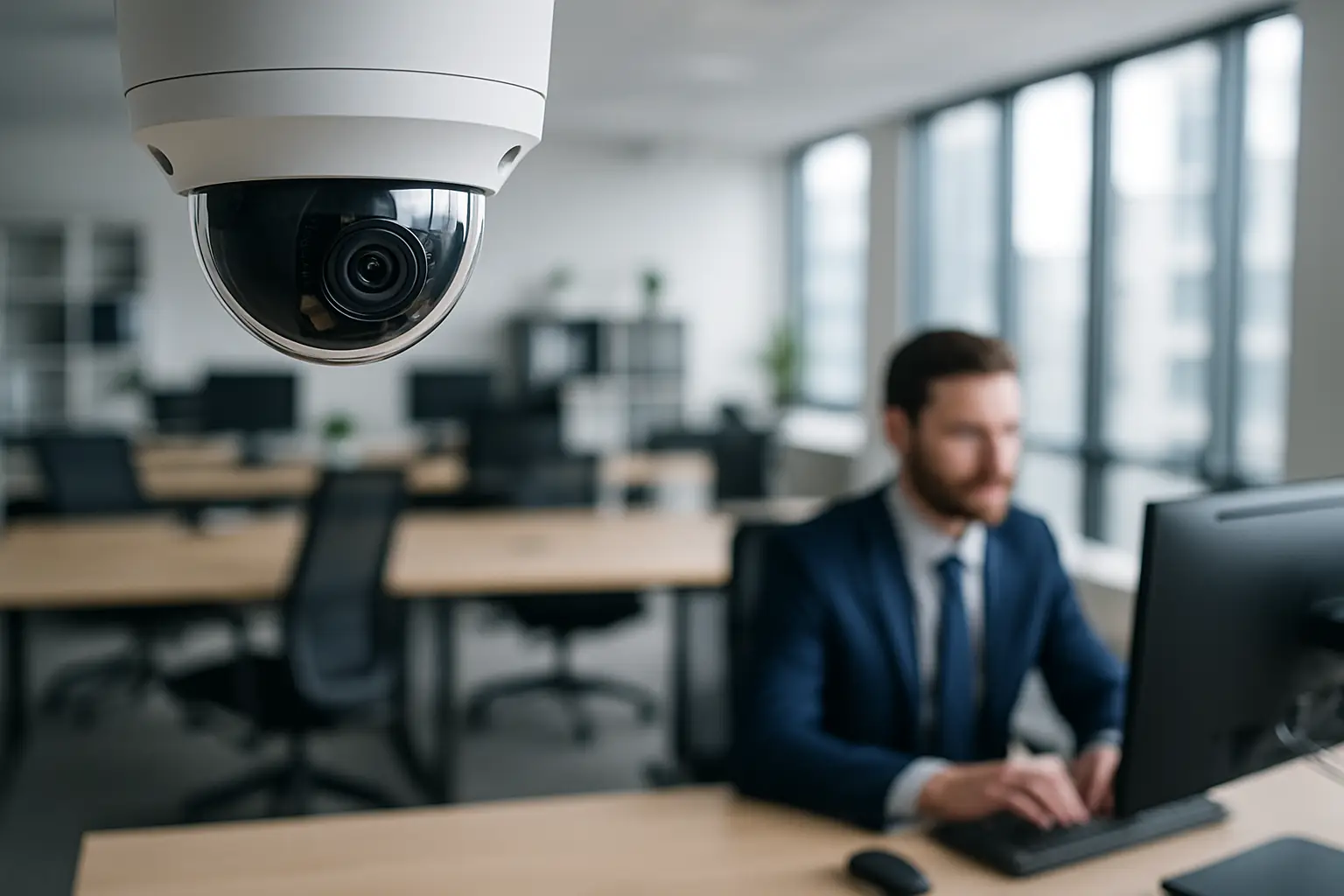
You do not really feel the cost of a weak camera system until the day you need it. A delivery goes missing from the lobby, a customer claims a slip-and-fall, an employee’s car gets tagged in the back lot, or a door gets propped open “just for a minute.” At that moment, “We have cameras” is not enough. You need clear video, the right angles, and footage you can actually pull quickly.
If you are searching for the best security camera system for office settings, the most useful way to think about it is not by brand names or how many cameras come in a box. It is by outcomes: coverage of the spaces that matter, video quality that holds up under real lighting, storage that keeps the footage long enough, and a setup that is easy for your team to use without turning into a side project.
What “best” means for an office camera system
Office security is different from a retail store or a warehouse. You have predictable traffic patterns, sensitive areas like server closets and records rooms, and a mix of public-facing and private spaces. The “best” system is the one designed around your layout and your risk points, not the one with the most features on paper.
For most Sacramento-area offices we see, “best” usually means three things. First, you can identify faces and read key details in the areas that count, like entrances, reception, and parking lot paths. Second, you can review and export footage without wrestling with settings or hunting for the right time window. Third, it is installed cleanly, with reliable wiring and stable recording, so you are not troubleshooting when you should be running your business.
The best security camera system for office setups is usually NVR-based
You will run into two main categories: NVR systems (wired IP cameras recording to a network video recorder) and cloud-first Wi‑Fi camera systems.
For many offices, a wired NVR system is the most dependable option. It records locally even if your internet goes down, it supports higher-resolution cameras without choking your Wi‑Fi, and it is easier to scale to 8, 16, or 32 cameras while keeping everything organized. NVR systems also tend to support better long-term storage since you can size the hard drives for your retention needs.
Cloud and Wi‑Fi cameras can be a fit for very small suites or temporary spaces, but there are trade-offs. Wi‑Fi reliability varies by building materials and neighboring networks, and cloud subscriptions add up over time. If you only need two cameras watching a single entrance and you are fine with limited retention, they can be acceptable. For multi-room offices with a front desk, hallways, and exterior coverage, NVR systems usually win on stability and total cost over the life of the system.
4K vs 1080p: where resolution actually matters
Resolution is not just marketing. It changes what the footage can prove.
4K cameras are especially valuable at entrances, reception areas, and any place you expect to capture a face that might be several feet away. They also help outside where you may need to see more of a wide scene and still keep detail. The trade-off is storage: higher resolution means larger files, so you need appropriately sized hard drives.
1080p can still work in tighter, controlled areas where the subject will be close to the camera and lighting is consistent, like a hallway choke point. A practical approach is mixing resolutions: use 4K where identification matters, and use 1080p where coverage is the priority.
Camera types that match office layouts
Most offices benefit from a combination of camera styles because each area behaves differently.
Dome cameras are common indoors because they are discreet, hard to tamper with, and usually look more professional in a lobby or hallway. Turret cameras are also popular indoors and under eaves because they handle glare well and are easy to aim precisely.
Bullet cameras make sense for exterior coverage, especially when you want a visible deterrent. For wide open areas like parking lots, a camera with a wider field of view helps, but you need to be careful. Wider views can reduce detail at a distance, so placement matters more than the spec sheet.
If you have a long driveway or a large lot, a PTZ (pan-tilt-zoom) camera can be useful, but it should not be your only solution. A PTZ looks impressive, yet it can only look at one direction at a time. Fixed cameras provide constant coverage; PTZ cameras add flexibility.
Lighting, glare, and why placement beats “night vision” claims
Most office camera disappointments come down to lighting. A camera pointed at a glass entry with bright daylight behind it will often capture silhouettes. A camera aimed too high in a hallway will show the tops of heads instead of faces. A parking lot camera placed far away will produce video that is technically “4K” but still not usable for identification.
Good design starts with walking the property and planning angles around light sources. That usually means positioning entry cameras slightly inside or to the side to avoid direct glare, keeping cameras at an appropriate height for faces, and using properly rated exterior cameras with strong low-light performance for dark corners.
Storage and retention: decide this before buying equipment
A common office request is “We want 30 days of recordings.” Sometimes that is easy. Sometimes it is expensive, depending on how many cameras you have, what resolution you record, and whether you record continuously or only on motion.
Continuous recording is often preferred for offices because motion events can be missed if sensitivity is set wrong, or if people move in ways that do not trigger the detection. Motion recording can save storage, but it needs careful setup and testing.
Your best move is to pick a realistic retention goal and size the NVR drives for it. For many offices, 14 to 30 days is a practical range. If you handle sensitive transactions, you may want longer retention for entry and reception cameras, while keeping shorter retention for low-risk areas.
Remote access that does not become a security risk
Being able to pull up cameras from your phone is a must for most owners and managers. The difference between a good experience and a frustrating one usually comes down to setup.
Remote access should be configured with strong passwords, unique user accounts, and limited permissions. Not everyone needs the ability to delete footage or change settings. If your system supports two-factor authentication, it is worth enabling. If it does not, you should be extra strict about password management.
Also consider how footage is shared when you need it. A system that can export a clear clip with a timestamp, without extra conversion steps, saves time when you are dealing with police reports, insurance, or HR documentation.
Coverage planning: the cameras you actually need
Offices tend to have a few repeat “must-cover” zones.
Your main entrance and any secondary entrances should be covered with angles that capture faces, not just the door. Reception should have clear coverage of the front counter and the approach path. Hallways should be covered to show movement between key areas, but you generally do not want cameras placed in a way that raises privacy concerns.
Exterior coverage is where many offices underbuild. A single camera over the front door does not help with parking lot incidents. If you have employee parking, rear doors, or a side gate, those areas deserve attention.
The trade-off is budget, so prioritize by risk. If you have had repeated issues with after-hours activity or vehicle break-ins, outside coverage should move up the list. If your primary concern is internal access to sensitive rooms, prioritize hallway intersections and door approaches.
Clean installation is not cosmetic - it is reliability
A “best system” is not just hardware. It is how it is installed.
Clean cable runs, properly terminated connections, correct weatherproofing outside, and a dedicated, protected location for the NVR all affect reliability. Offices also benefit from tidy routing that does not interfere with ceiling tiles, lighting, or fire safety requirements.
There is also the network side. Even if you are not a technical person, it helps to know that cameras are network devices. A good setup accounts for bandwidth, uses appropriate PoE (Power over Ethernet) switching, and keeps the system stable without disrupting your office internet.
What to expect in a professional office setup
If you are comparing options, ask how the provider designs the layout before installing. The best results usually come from a quick site walk and a plan that calls out camera locations, fields of view, and recording expectations.
You should also expect a straightforward conversation about trade-offs: whether a wide-angle camera will sacrifice detail, whether 4K everywhere will require bigger storage, and whether your current network can support the number of cameras you want.
At StaySafe365, our office installs typically focus on 4K where it counts, reliable NVR recording, and remote access that is easy for owners and managers to use day-to-day. Just as important, we make sure you are comfortable pulling footage and adjusting basic views once the job is done. You can learn more at https://staysafe365.net.
A quick way to choose the right system for your office
If you want a practical decision rule, start with the layout. If you have more than a couple cameras, care about uptime, and want predictable recording without monthly surprises, you will usually be happiest with a wired NVR system.
Then decide where identification matters. Those locations get your best cameras and your best angles. After that, build coverage for movement and perimeter awareness.
Finally, be honest about who will manage it. A system that looks powerful but is confusing will get ignored, and ignored cameras do not help anyone.
A helpful closing thought: the best camera system is the one you trust enough to rely on, because it was planned around your office, installed cleanly, and set up so you can actually use it when something happens.